The 5 Best Free Strength Training Apps: October 2026
Compare five free strength training apps: programs, weight tracking, paid limits, and iOS, Android, and web access. Choose one for your October workouts.
- strength training
- free apps
- workout programs
- weight tracking

 Strength Training News
 Looking for a free strength training app? This comparison separates three needs: receiving a program, logging your performance, or following a guided workout. Compare what you can use long term without a subscription, then check the limits before creating your account.
Transparency: WorkoutGen is our product. We place it first for its structured program and tracker included for free, not as the winner of an independent award. Here are the differences verified on October 6, 2026.
What changed in this edition: the WorkoutGen tracker is now free, and its native Android app is available on Google Play. The table also distinguishes web access and routine limits, so you can choose without discovering a restriction after entering your program.
At-a-glance comparison
| App | Recommended use | Confirmed free offering | First useful limitation to check | Verified platforms |
|---|---|---|---|---|
| WorkoutGen | Receive and follow a gym program | Personalized program, 350+ videos, player, weight and rep tracker | Charts, AI Coach, and full editing with Max | iPhone, native Android, Windows, web |
| Nike Training Club | Follow guided workouts | Workouts and progressive programs | Do not assume precise weight tracking | iOS, Android |
| Hevy | Log an existing program | Tracker and 4 routines | 7 custom exercises; charts for 3 months | iOS, Android, web |
| Strong | Repeat a few standard workouts | Tracker and 3 templates | More than 3 templates with Pro | iOS, Android, Apple Watch |
| Caliber | Build and follow your workouts | Unlimited workout creation and tracking | Coach programs with Plus | iOS, Android |
Official sources appear under each app. “Recommended use” is our interpretation, not a test result. Free here means that a useful function remains available without a subscription, not that the entire app is free.
How we compared the offerings
Documentary comparison conducted on October 6, 2026, using official pages and app stores. We distinguish between a provided program, performance logging, free limits, and platforms. The recommendations are not the results of extended gym testing. The screenshots present the services; by themselves, they do not prove their current offerings.
The five apps in detail
1. WorkoutGen: a coach-designed program and free tracker
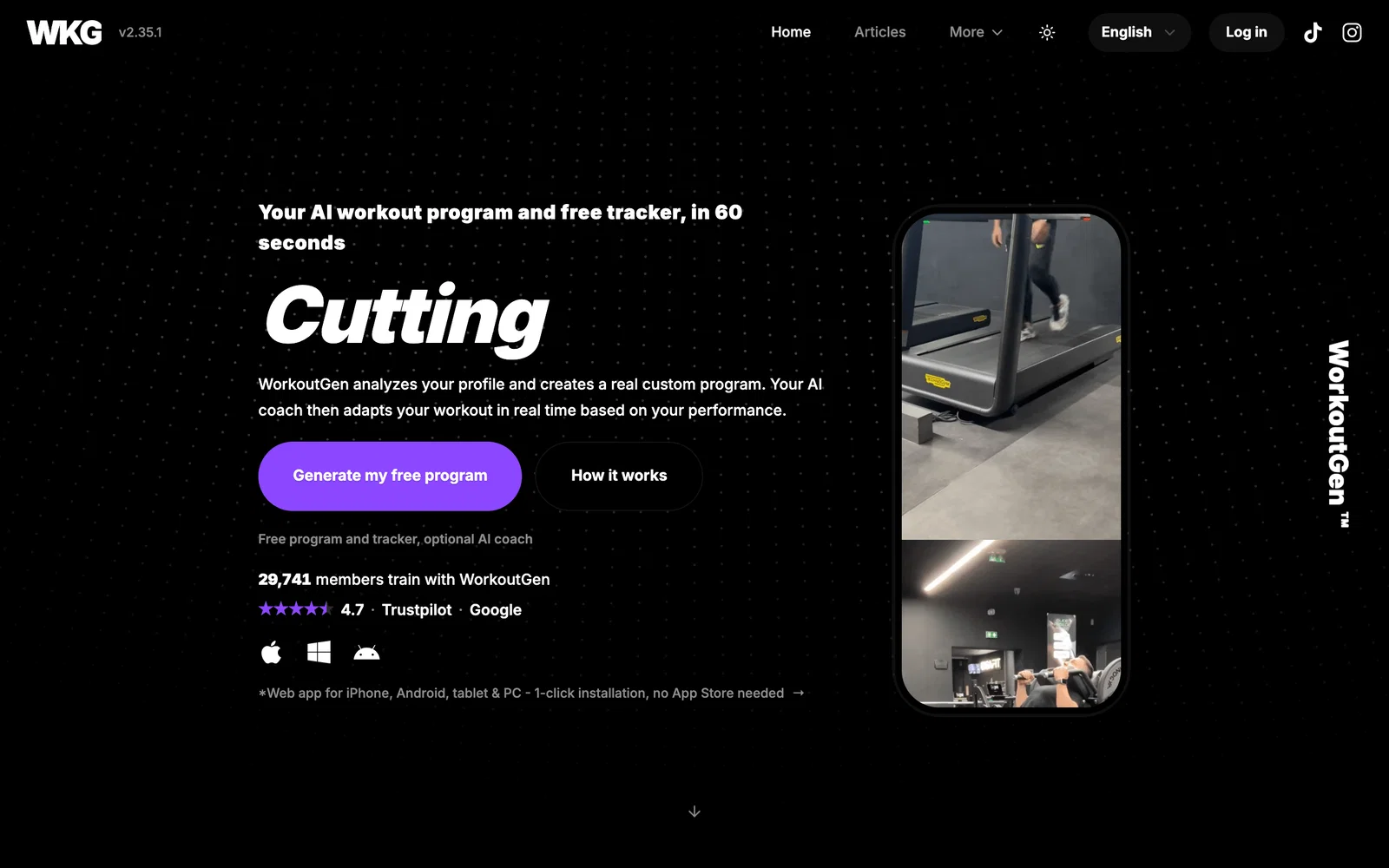
Platforms: iPhone, Android, Windows, and web. The iPhone app is on the App Store, the native Android app is on Google Play, and the Windows app is on the Microsoft Store. The web version remains accessible and installable in a compatible browser. One account keeps your program and tracker available. The official product page, accessed on October 6, 2026, specifies these access options.
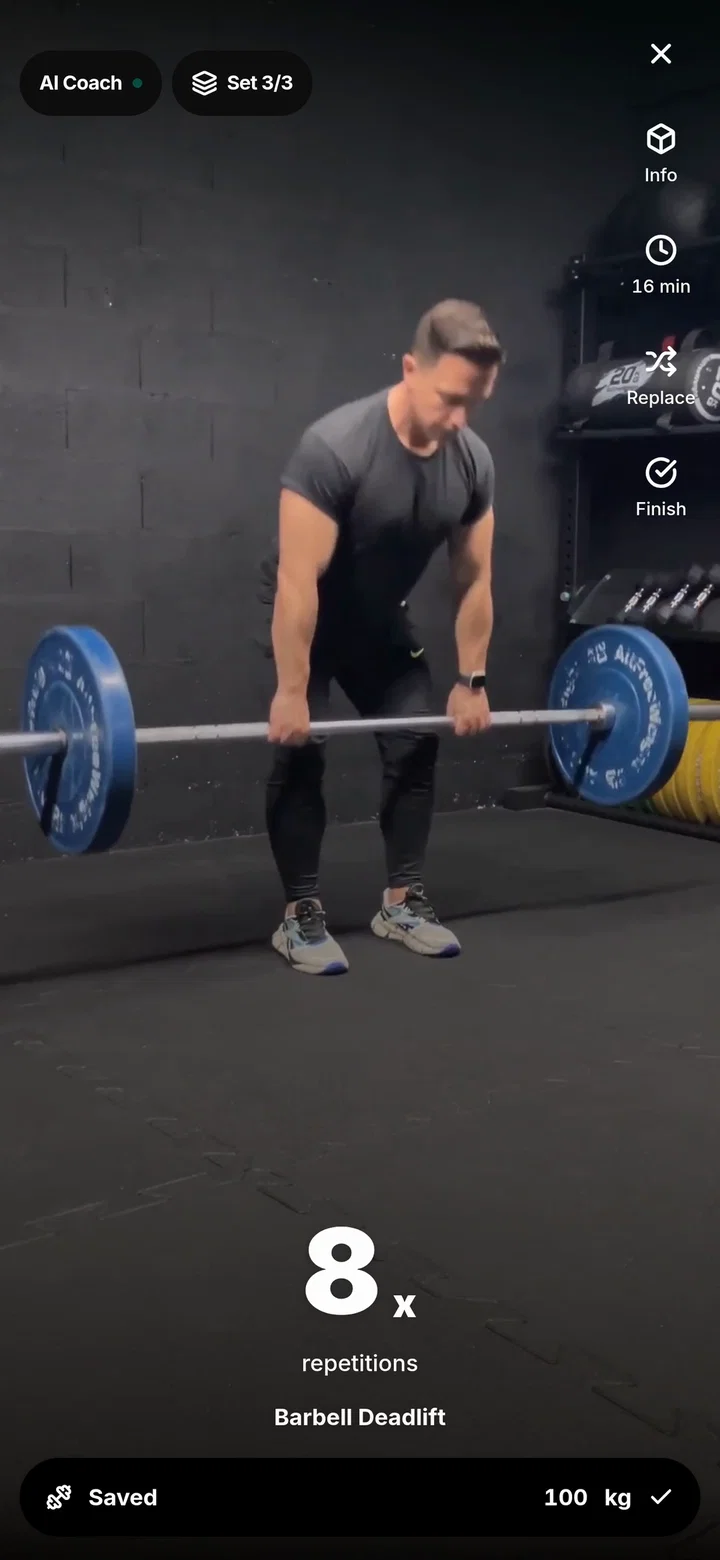
Why it helps beginners: you receive a program, not just an empty tracker. The questionnaire feeds an algorithm designed with a coach, which organizes exercises and cycles based on your profile. More than 350 HD videos filmed by certified coach Jeremy Tellier demonstrate the movements. The program, videos, player, rest timer, and logging for weights, reps, and durations are free, along with history, best set, and the 1RM calculator.
Adaptation happens between workouts. Rules use available performance data after a completed workout to adjust future workouts; they never change the workout in progress. Our progressive overload guide explains the value of tracking progression. The program comes from a deterministic engine, not a text generator.
The limitation: Max adds progress charts, AI Coach summaries, weight suggestions, and full program editing. Choosing workout days, adjusting the duration of the day’s workout, and replacing an exercise with an equivalent remain free. An AI Coach summary’s text does not modify the program by itself.
Your free WorkoutGen program, created with a coach, ready for the gym
Get your program created with a coach and access the filmed demonstrations. Then choose web, iOS, or Android.
- Personalized program
- 350+ HD videos of real demonstrations
- Free workout player and timer
WorkoutGen (App Store) · WorkoutGen (Google Play) · WorkoutGen (Microsoft Store)
2. Nike Training Club: a variety of guided workouts
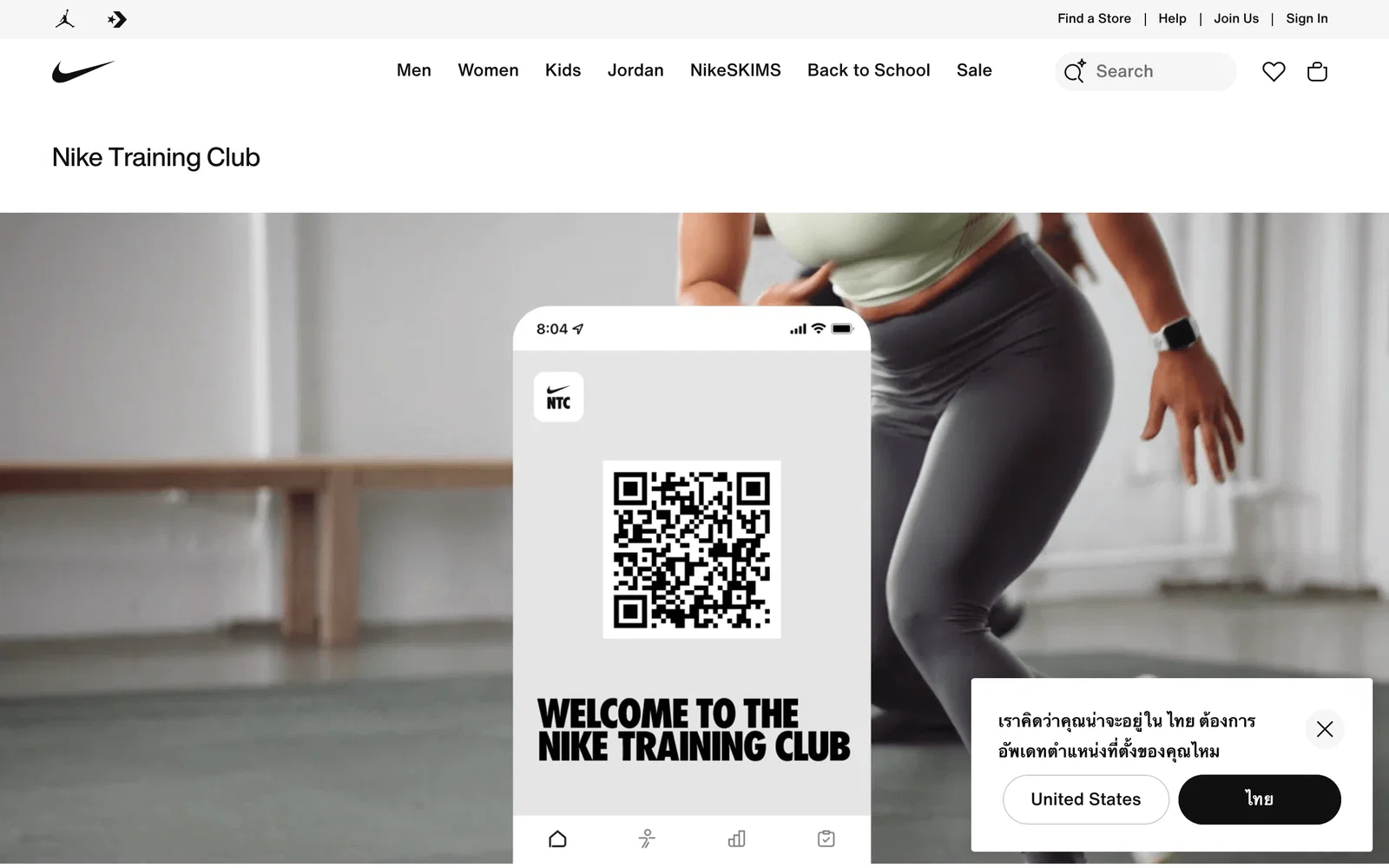
Platforms: iOS and Android. Nike presents NTC (page accessed on October 6, 2026) as a free library of guided workouts with progressive programs, strength training, bodyweight workouts, and yoga. Our interpretation: this format may suit you if you prefer guidance during the workout rather than planning each exercise yourself.
The limitation: check set and weight tracking before replacing your workout log. Video classes do not prove that detailed tracking equivalent to Hevy or Strong is included.
3. Hevy: four routines for your program
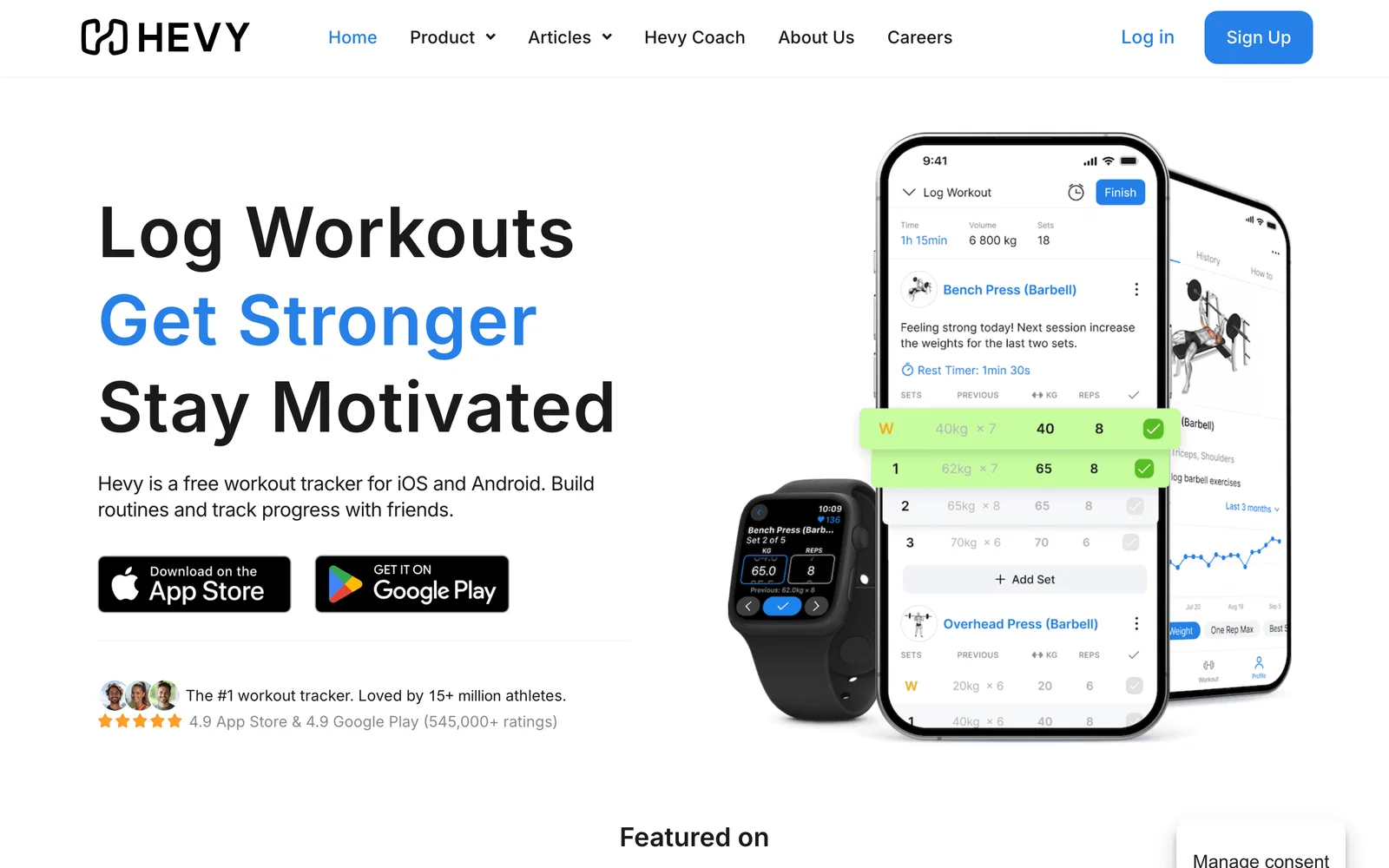
Platforms: iOS, Android, and web. The official Hevy website also presents computer access for preparing routines and viewing progress (accessed on October 6, 2026). Our interpretation: it is an option for logging your sets and following an existing program.
Its official free plan table/Pro (accessed on October 6, 2026) lists four routines and seven custom exercises in the free offering. These custom exercises are additions you make, not the entire library.
The limitation: free charts cover three months (page accessed on October 6, 2026). This window does not mean that your older workouts are automatically deleted. The Hevy Trainer generator is part of Pro: do not choose the free offering assuming it automatically provides this program.
4. Strong: three reusable workout templates
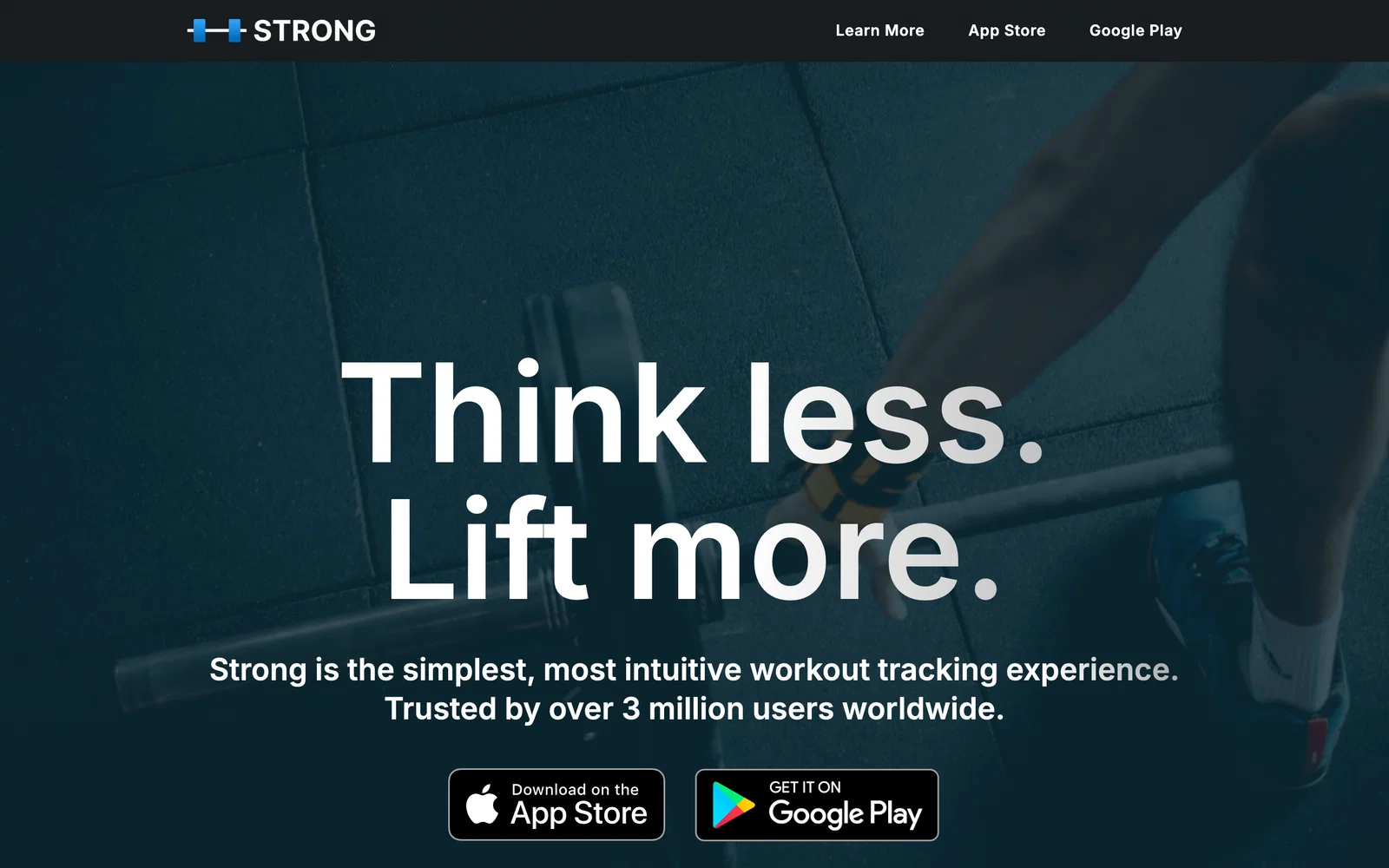
Platforms: iOS and Android, with an Apple Watch app. Strong (page accessed on October 6, 2026) lets you organize and log workouts.
The limitation: its official help allows three free templates (page accessed on October 6, 2026). A template A, B, or C can be repeated: this is not a limit of three workouts. Beyond three different workouts saved as templates, Pro may become necessary.
5. Caliber: build workouts without confusing the offerings
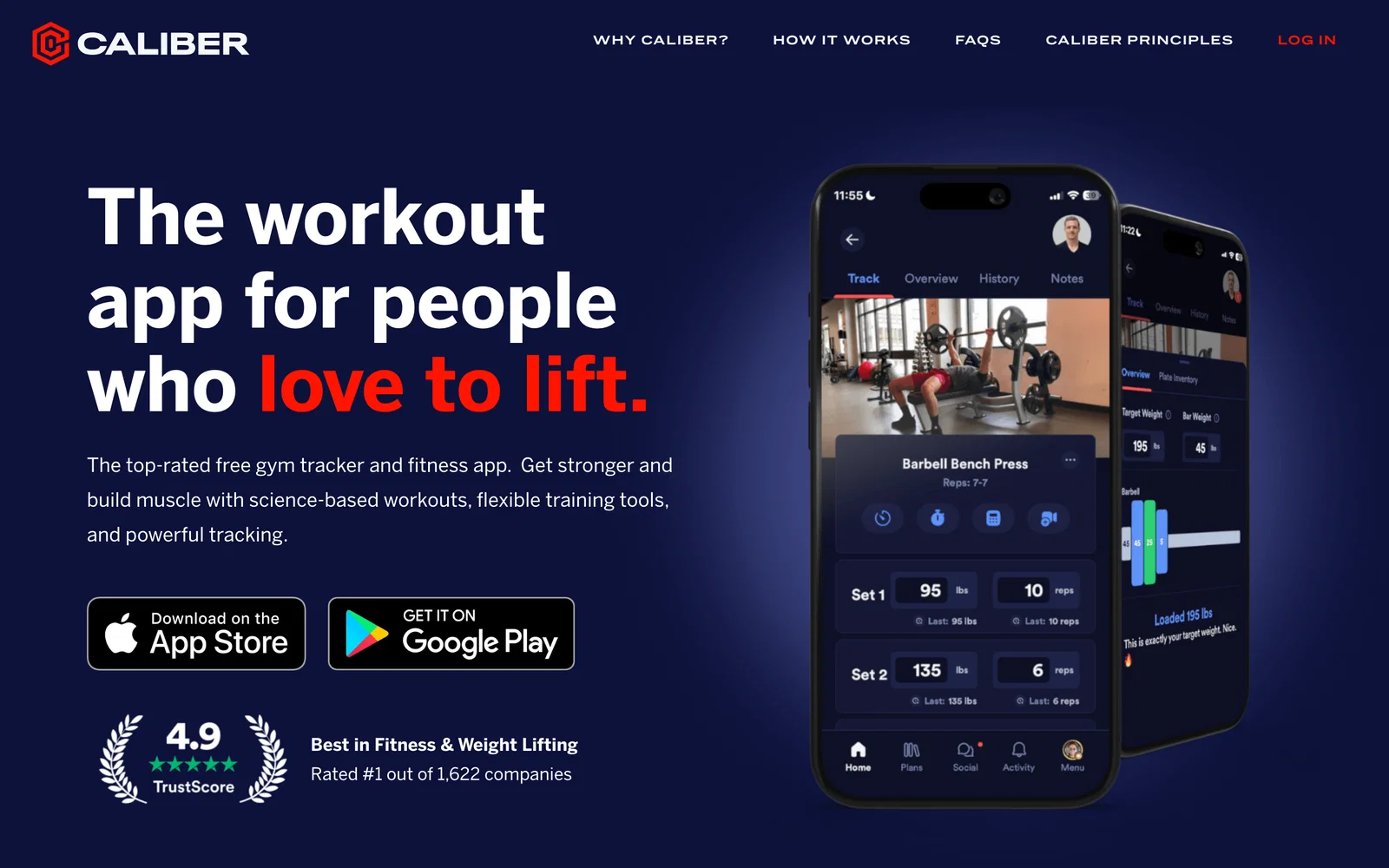
Platforms: iOS and Android. The App Store and Google Play listings, accessed on October 6, 2026, describe unlimited free workout creation and tracking, with exercise tutorials.
The limitation: coach-designed programs are part of Caliber Plus. Caliber is therefore an option for building your workout, not a promise of a free coach program.
Choose based on your next workout
These scenarios are our recommendations based on the documented offerings, not the results of comparative testing.
You are starting without a program: choose a structured plan rather than a list of exercises. WorkoutGen includes this generation; our three-day beginner strength program shows the type of structure to look for.
You follow three A/B/C workouts: Strong’s three templates or Hevy’s four routines may cover your setup. Count the different workouts you need to remember, not just the training days.
You alternate five different workouts: compare the template limit before entering everything. Caliber documents unlimited free workout creation and tracking; coach-designed plans remain paid. Do not confuse five workouts per week with five different templates: repeating A/B/C requires only three templates.
You want to follow a guided workout: review Nike Training Club’s formats before choosing a simple workout log.
You plan your program on a computer and train on your phone: WorkoutGen and Hevy offer web access in addition to mobile apps. WorkoutGen also allows installation from the Microsoft Store. Verify that you are signed in to the same account before entering your data twice.
You want to log your weights for free, then analyze charts: distinguish between the two steps. The WorkoutGen tracker is free, while its charts require Max; Hevy’s free charts cover three months. Choose based on the function you need today, not on a trial promise.
Want to replace a paid app? Our guide to free alternatives to gym apps covers this complementary choice.
Update: free tracker and native WorkoutGen Android access confirmed; platforms, template limits, and Caliber offerings rechecked. The address remains unchanged; the displayed date corresponds to this new edition. No app guarantees your results.
Frequently asked questions
Which free app should beginners choose for strength training?
Does WorkoutGen work on iPhone, Android, and the web?
Do three Strong templates or four Hevy routines limit the number of workouts?
Are Caliber coach programs free?
Explore a sample week
-
 Full body
 Explore a 3-day full-body week with A and B workouts, exercises, sets, reps, and rest. Then generate your free program.
-
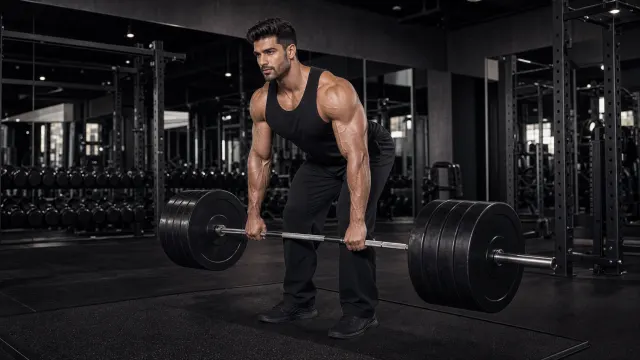 Upper/lower
 Explore a 4-day upper/lower week: two upper-body workouts and two lower-body workouts, with exercises, sets, reps, and rest.
-
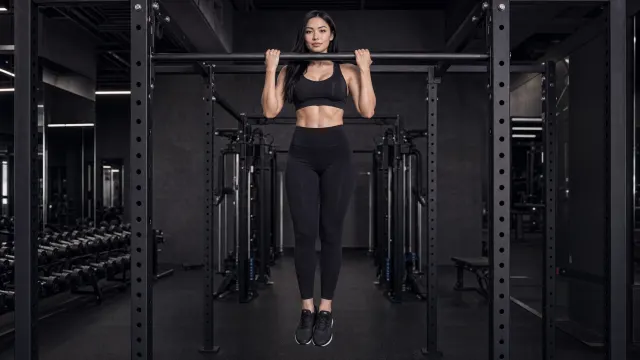 Push pull legs
 Explore a 6-day push pull legs week: push, pull, legs, then a second rotation. Each exercise keeps its sets, reps, and rest.
Related tools
-
-
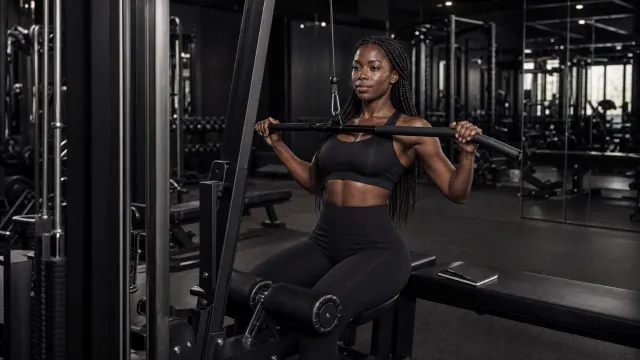 Volume
 Count your weekly sets for each muscle and compare them with reference guidelines.
-
 Protein
 Find your daily protein target based on your body weight.