WorkoutGen Is Available on the Microsoft Store
WorkoutGen is available on the Microsoft Store for compatible Windows PCs. Install the official app and access your program with your existing account.
- WorkoutGen
- Microsoft Store
- Windows app
- Android app
- workout tracking

 WorkoutGen News
 WorkoutGen Is Available on the Microsoft Store
WorkoutGen is available on the Microsoft Store for compatible Windows PCs. Open the official WorkoutGen listing, check the current system requirements, then install the app and sign in to your existing account. The app remains free to download, and WorkoutGen Max is optional.
This is concrete availability on the Microsoft Store: you can choose this official channel to install WorkoutGen on Windows. The October 4, 2026 update also integrated the Microsoft Store into the installation flow from a Windows browser. It simplifies access without suggesting that it marks WorkoutGen’s first Windows release.
Windows Installation Now Redirects to the Microsoft Store
The October 4, 2026 WorkoutGen update integrates the Microsoft Store into the Windows installation flow. Windows installation prompts now lead to the official WorkoutGen listing instead of the web installation tutorial. The public link to the WorkoutGen app also redirects requests from Windows to the Microsoft Store. The app remains free to download, and WorkoutGen Max is optional.
This is an update to how Windows users access the app, not an announcement of WorkoutGen’s initial launch on Windows. Our original Microsoft Store announcement remains available. The change is simple: when you choose to install WorkoutGen from a Windows browser, the supported flow directs you to the Microsoft Store for that device.
The public version history dates version 2.81.0 to October 4. Its summary is generic; the Windows redirect detail was verified separately from the published product code and the current public redirect. This article does not attribute this version number to the Microsoft Store package or invent a new Microsoft Store release date.
One Account on Windows and Mobile
Install the Windows app from the official Microsoft Store listing, then sign in to your existing WorkoutGen account. Your program, workout tracking, and any existing Max subscription follow this account across compatible platforms. You do not need a second account to work out because you installed the app from another store.
The installation flow varies by device:
| Device | WorkoutGen access |
|---|---|
| Windows PC | Microsoft Store app |
| Android phone | Native Android app on Google Play |
| iPhone or iPad | Native iPhone app from the App Store, also available on iPad |
| Mac, Linux, ChromeOS, or another modern browser | Web app on my.workoutgen.app, installable when the browser allows it |
The Google Play listing uses the package identifier app.workoutgen.android. For Apple devices, see our announcement of the iPhone app on the App Store. Android can also use the web app, but an installation from a browser is not the native Google Play app.
A PC can be convenient for viewing your program; a phone can keep the workout player and exercise videos within reach during a session. This is a practical screen choice, not a different program or a promise of better results. Check that you have opened the same WorkoutGen account before continuing on another device.
Free Workouts, with Max Optional
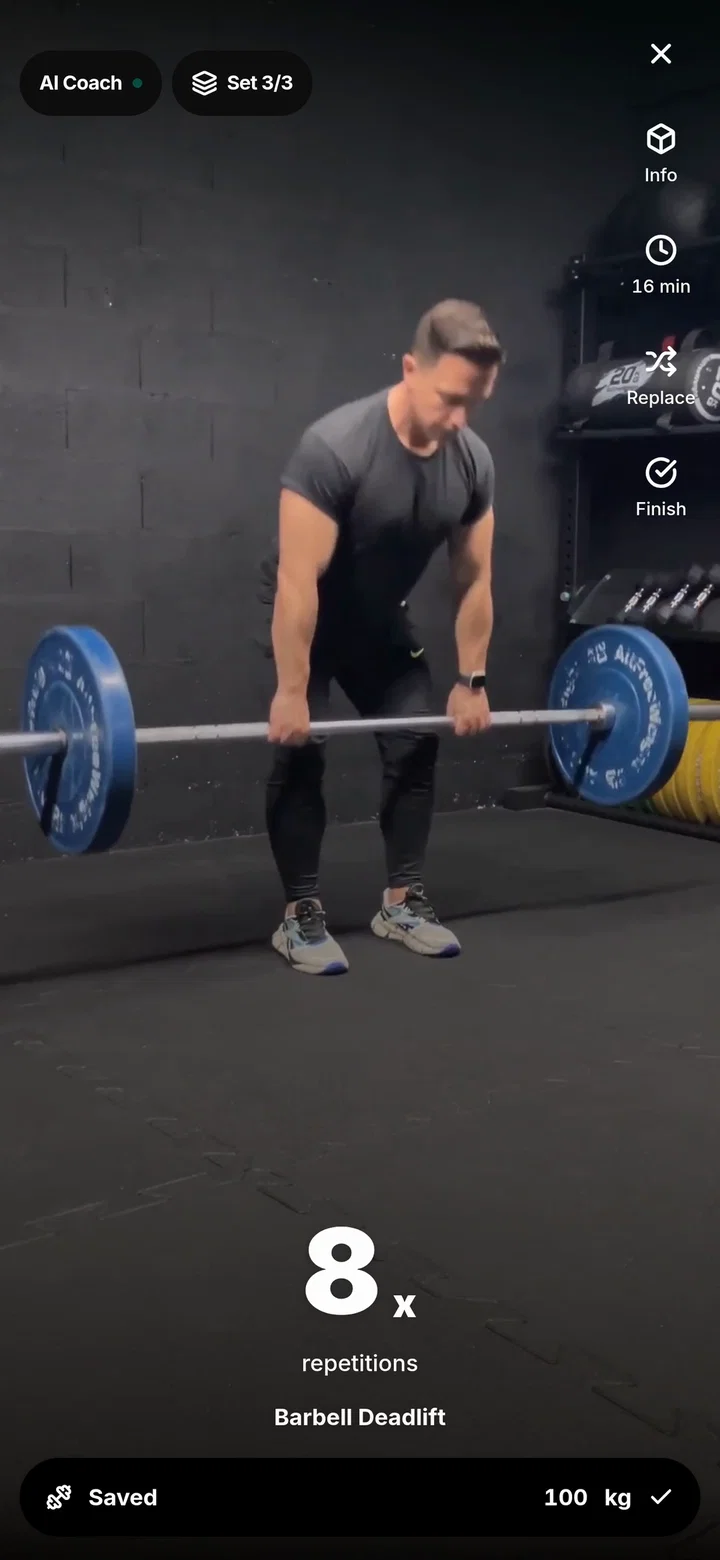
Program saving, guided workouts, and workout tracking remain free. The free account includes the workout player, rest timer, more than 350 exercise videos, and recording of weights, reps, and durations. The program comes from a decision tree designed by a coach, not a chatbot improvising exercises.
WorkoutGen Max adds features such as personalized weight suggestions, AI Coach progress reports, additional charts, and complete program control. If you already have Max, check your existing account in the Windows app before subscribing again: access across compatible platforms is linked to the WorkoutGen account, regardless of which compatible store billed the subscription.
If you are starting with WorkoutGen, the free personalized workout program guide explains profile and scheduling options. The Windows installation update changes your access point, not these workout choices.
Install from the Official Listing
Open the Microsoft Store listing on the Windows PC you plan to use. Check the current system requirements before installing; viewing the listing on a Mac or phone does not confirm Windows compatibility.
- Confirm that the listing is for WorkoutGen and that its Store ID is
9MWC4DVNMBG0. - Install the app on a compatible Windows PC and sign in to your existing WorkoutGen account.
- Find your saved program and workout tracking before starting your next session.
To create a new account, choose the profile and schedule suited to your workout, then save the program. With an existing account, keep the saved program instead of creating another one simply because you changed screens. Confirming that you are using the same account is the useful step after installation.
Open the official WorkoutGen listing in the Microsoft Store and check your Windows PC’s compatibility before installing.
Keep your program with one WorkoutGen account
Sign in to your existing account to access your saved program and workout tracking.
- One account across compatible platforms
- Free program saving and standard workouts
- Free workout tracking
- WorkoutGen Max Remains Optional