WorkoutGen on Microsoft Store: Install the Windows App
Download WorkoutGen for free on the Microsoft Store, check your Windows PC compatibility, and follow the official installation steps.
- WorkoutGen
- Microsoft Store
- Windows fitness app
- workout plan
- workout tracking

 WorkoutGen News
 WorkoutGen is Officially Available on the Microsoft Store
WorkoutGen is now available as a free download from the official Microsoft Store listing for compatible Windows PCs. The listing was published on August 18, 2026, identifies WorkoutGen as the publisher, and uses the Store ID 9MWC4DVNMBG0.
This is a verified product announcement, not a claim that the training service itself has changed. The new listing offers Windows users a direct way to access and install WorkoutGen through the Store. The custom program, exercise library, workout tracking, and optional Max subscription remain part of the same WorkoutGen experience.
Check Your Windows PC Before Installation
The official listing requires a PC running Windows 10 version 19041.0 or later. This is a Windows PC release, so do not consider a page visible on another device as proof that the app can be installed there. The Microsoft Store may also hide or block installation when a product is not compatible with the current device or region.
Use this short checklist before selecting Get:
- Confirm that the page title mentions WorkoutGen and the publisher is WorkoutGen.
- Verify that the Store ID is
9MWC4DVNMBG0. - Confirm that your PC meets the listed Windows requirements.
- Make sure you are signed in to the Microsoft Store with the account you want to use for the download.
- Consider any page requesting a separate purchase to download the app as a different offer, as the official WorkoutGen listing is free.
Install WorkoutGen from the Microsoft Store
Open the official listing on the Windows PC where you want to train or plan sessions, then select the Store action to view or get the app. Microsoft's official Windows installation guide explains that a user selects the app, chooses Get, and signs in with a Microsoft account to finish the download.
After installation, launch WorkoutGen and use your WorkoutGen account as usual. A Microsoft account finalizes the Store download, while your WorkoutGen account maintains your training experience within WorkoutGen. Keeping these two roles separate makes troubleshooting easier: Store download issues belong to the Microsoft Store, while program or session questions belong to WorkoutGen.
If you prefer a browser-based method, the existing WorkoutGen installation guide explains how to add the web app from supported browsers. The Store listing adds a Windows option; it does not replace the browser method.
What You Can Do After Installation
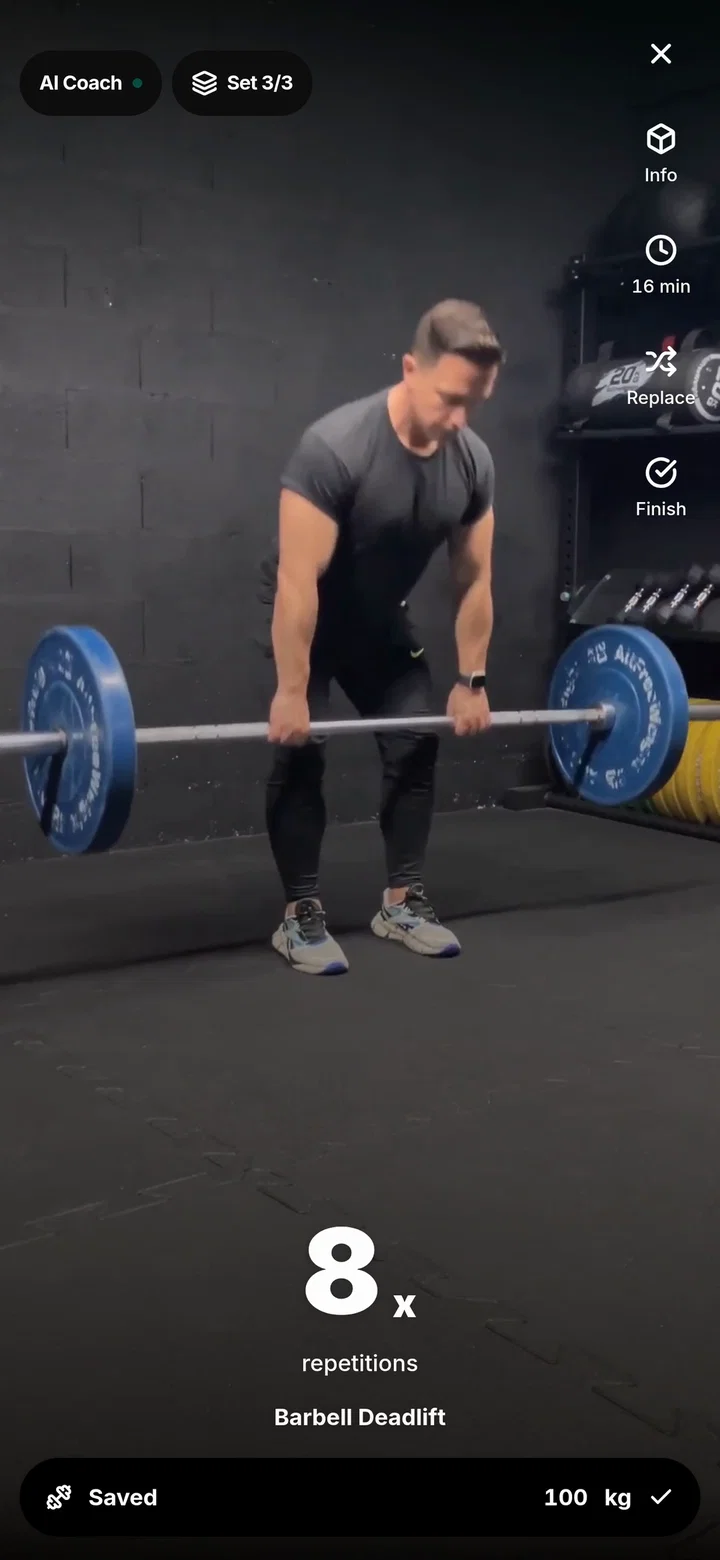
A free WorkoutGen account can create and save a custom, periodized workout program built from a quick questionnaire and a coach-designed decision tree. It also includes over 350 HD exercise videos and workout tracking, while WorkoutGen Max remains optional. The interface is available in nine languages.
If you have not created a program yet, start with the free custom workout plan guide to identify the goal, experience, schedule, and equipment parameters that matter. If you want to see a complete workout structure before starting, the beginner strength program shows how sessions and recovery fit into a real week.
The practical advantage of the Store release is access, not a new promise regarding results. Installing an app cannot replace regular training, proper progression, or recovery. It simply puts the same training tools into a familiar Windows installation channel.
Choosing the Store or Browser Path
Use the Microsoft Store when you want a verified Windows listing, a familiar Get flow, and a Start menu installation on a compatible PC. Use the browser installation guide when you are on another desktop, tablet, iPhone, or supported Android device, or when the Store listing is not available in your region.
Regardless of the method chosen, check the official source before installing. Then create or open your program, review the first session, and log the work done in the tracker. That first useful action matters more than the installation method itself.
Official Sources
- Official WorkoutGen Microsoft Store Listing
- Microsoft Support: Get apps from the Microsoft Store on your Windows PC
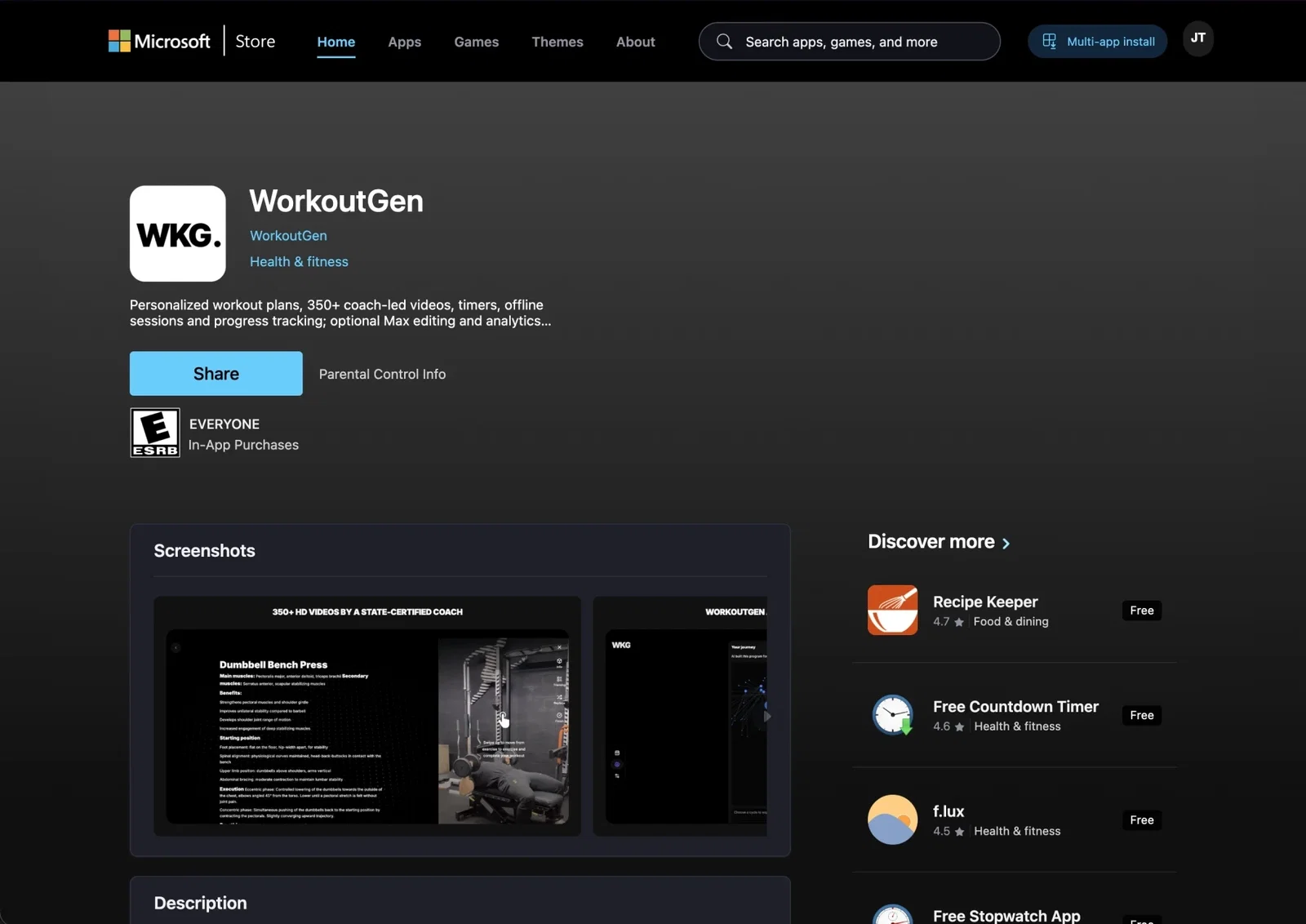
Official WorkoutGen Microsoft Store listing, verified on August 20, 2026. The action label displayed by the Store may vary depending on the device, region, and login status.
Open the official listing to check your Windows PC compatibility and install WorkoutGen from the Microsoft Store.
Start your workout program with WorkoutGen
Create a structured program based on your goal, experience, schedule, and equipment, then track every completed session.
- Personalized and periodized workout program
- Over 350 HD exercise videos
- Workout tracking for sets, reps, loads, and rest
- Available in nine languages