How to Use WorkoutGen App Without the App Store
Learn how to install and use WorkoutGen as a progressive web application on your phone or desktop without downloading it from an app store.
- PWA
- Progressive Web App
- mobile development
- fitness tech
- strength training
- Lemon Squeezy

 WorkoutGen Guides
 The Short Answer
WorkoutGen is an installable web application that you can open directly in your browser on a phone or desktop computer. You do not need to search for it in the Apple App Store or Google Play Store to start using your strength training program. By using the browser-specific add-to-home-screen or install action, you can place a launch icon on your device and run WorkoutGen like a standard application.
Why an Installable Web App Benefits Your Training
Using a web application allows you to open WorkoutGen from a simple link without downloading a heavy file or waiting for app store approvals. Once added to your home screen, it launches quickly, giving you immediate access to your training routine.
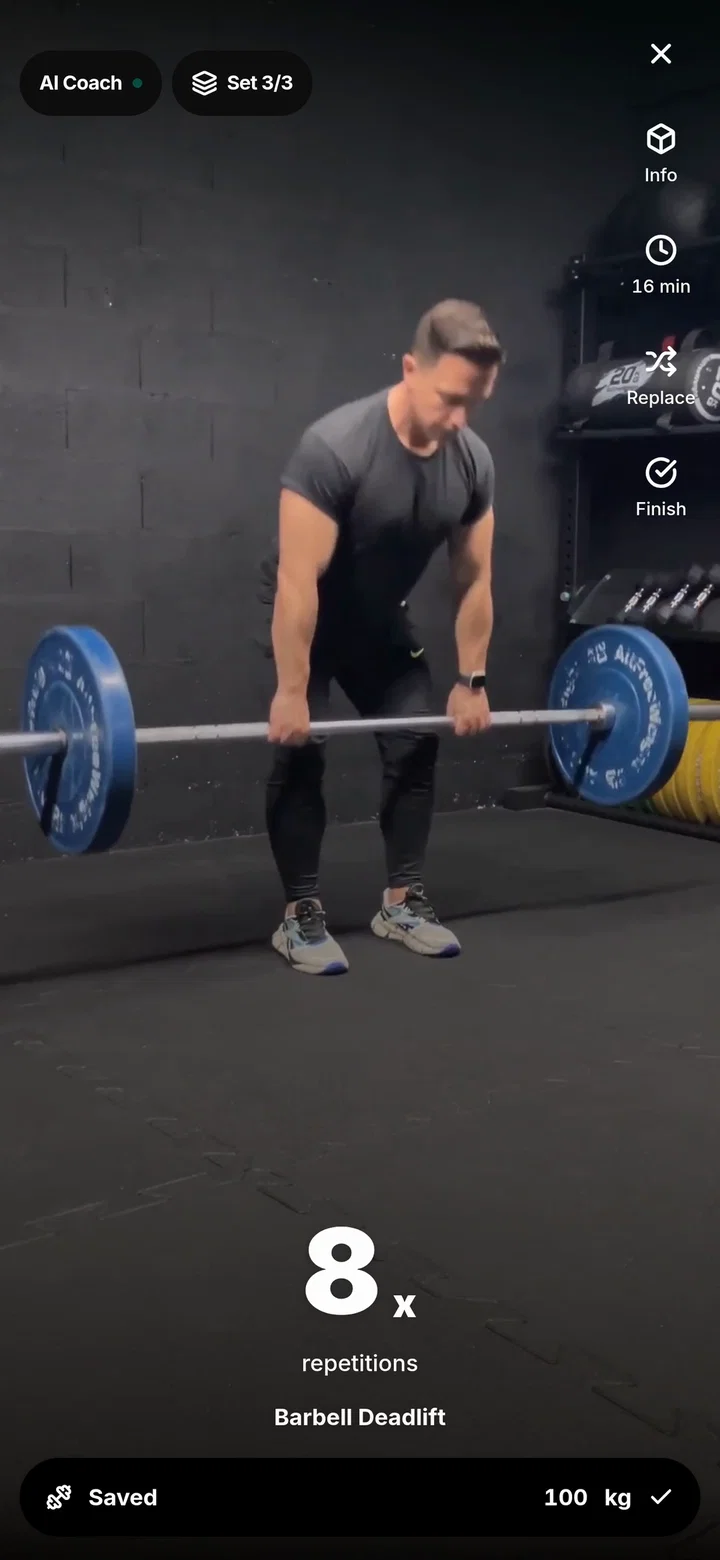
The main benefit is not the technical term PWA. The real value is having your program, exercise videos, and workout tracking readily available right where you train. On a desktop computer, your same account remains accessible through any modern browser, allowing you to plan your sessions on a larger screen and execute them on your phone.
How to Add WorkoutGen to Your Phone
To install the application on your mobile device, follow these verified steps based on your operating system:
- On iPhone (iOS): Open WorkoutGen in Safari, tap the Share button, and select the "Add to Home Screen" option.
- On Android: Open WorkoutGen in Chrome or another modern browser, tap the menu icon, and select "Install" or "Add to Home Screen."
- On Desktop: Open the application in Chrome or Edge and click the install icon in the address bar.
These options may vary slightly depending on your operating system version and browser. If you do not see the installation option, verify that you are not opening the link inside an in-app browser like Instagram, TikTok, or Gmail. Always open the page directly in Safari or Chrome.
What Changes Once the App Is Added
Once installed, the WorkoutGen icon remains on your home screen, which prevents you from losing your training page among dozens of open browser tabs. You can open your program faster before a workout session, view exercise demonstrations, and log your completed sets.
Installing the web app does not replace the need for an updated browser. Keep your operating system and your browser updated to ensure you can use all the features available on your device.
Troubleshooting Installation Issues
If the installation does not work as expected, use these simple troubleshooting checks to resolve the issue:
- Check your browser: Ensure you are using Safari on iOS or Chrome on Android, as third-party in-app browsers often block installation features.
- Reload the page: Refresh the application page to trigger the installation prompt or update the installation instructions.
- Use the fallback guide: If the browser still does not show the expected install action, refer to the current installation instructions inside the application.
You can continue to use WorkoutGen directly in your browser even if you do not install the home screen icon. Your program and training history remain fully accessible.
For detailed step-by-step instructions, read the WorkoutGen installation guide. To select a program tailored to your fitness goals, you can also learn how to get a free personalized workout plan.
Sources
A free WorkoutGen app to track your program
Create your gym program, view exercise videos, and track your sessions in WorkoutGen, directly from your browser.
- Gym program tailored to your goal
- Videos to follow the exercises
- Session tracking inside the application